

Welcome to MS Office Expert
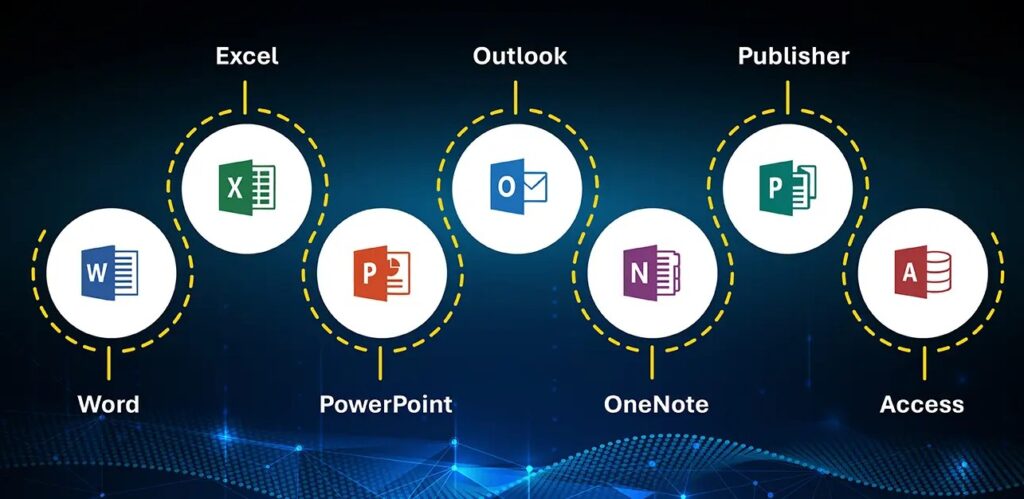
Unlock the full potential of Microsoft Office with MS Office Expert, your go-to resource for mastering Word, Excel, PowerPoint, Outlook, and more. Whether you’re a student, professional, or business owner, we’re here to help you work smarter, not harder.
🔍 What You’ll Find on MS Office Expert:
📘 In-Depth Tutorials
Step-by-step guides that walk you through the most powerful features of Microsoft Office. Learn how to format Word documents like a pro, create stunning PowerPoint presentations, or use advanced Excel formulas to analyze data.
💡 Tips & Tricks
Discover productivity hacks, hidden features, and time-saving shortcuts that can transform how you work with Office tools.
📊 Excel Mastery
From beginner basics to advanced formulas and pivot tables—get everything you need to become an Excel power user.
📄 Word Formatting Guides
Learn how to create professional-looking documents, resumes, reports, and more.
📽 PowerPoint Design Tips
Make your presentations stand out with our expert advice on visuals, transitions, animations, and storytelling techniques.
📧 Outlook Organization
Streamline your inbox, schedule like a boss, and integrate tools for maximum efficiency.
🛠 Popular Posts
✅ “10 Excel Functions Every Professional Should Know”
✅ “How to Create a Table of Contents in Word (The Right Way)”
✅ “PowerPoint Design Principles for Engaging Slides”
✅ “How to Use Conditional Formatting in Excel”
✅ “5 Outlook Features That Will Save You Hours”
🧠 Why Follow MS Office Expert?
We break down complex features into easy-to-understand tutorials, with screenshots and real-life use cases. Our goal? To make you feel confident and capable when using Microsoft Office.
No fluff. No jargon. Just clear, practical content—whether you’re preparing a business report, building a budget spreadsheet, or presenting to a team.
🔔 Subscribe for Weekly Updates
Join our mailing list and get new tutorials, tips, and downloadable templates straight to your inbox every week.
📣 Let’s Connect
Have a question or suggestion for a tutorial? Want help with a specific MS Office task?


Pingback: 🧮 Excel Tip of the Day: Master the POWER of Flash Fill
Pingback: Top 5 Key Updates in Microsoft 365 (2026 Edition)